Skip to content
HWM Agentur
  • Security
  • Hosting

PHP2Shell: what the critical PHP vulnerability means for your website

Sven Heynhold
9 min read
White illustration of a server labelled PHP with a crack and a console window breaking out of it, next to a shield with a check mark and curly braces

For the past few days we keep hearing the same question: is my website affected by PHP2Shell? For most of our clients, the short answer is no. We want to take the time to write down the longer answer here, because PHP2Shell is serious and a lot of websites out there really are at risk right now. We'll explain what's behind the vulnerability, why our sites are built differently and what you should do if your website runs on PHP.

What is PHP2Shell?

PHP is a programming language that a huge part of the internet runs on. WordPress, Joomla, Drupal, Shopware, Magento and countless custom built sites use it. When someone visits your website, PHP assembles the page on the server and sends it to the browser.

PHP2Shell is the nickname for two security flaws in PHP itself. Not in a plugin or a theme, but in the language underneath. Officially they're called CVE-2026-109618 and CVE-2026-109619. Both were rated 9.2 out of 10, which counts as critical. The name pretty much says it all: in the worst case an attacker can get a shell, meaning they can run their own commands on your server. And they don't need to log in anywhere first.

On top of that, researchers showed how parts of the server's memory can be read out. Sometimes that memory holds passwords, database credentials or API keys. So even if an attacker doesn't take over the whole server, they can get hold of data that should never leave it.

Why this vulnerability is especially tricky

Normally these things follow an orderly process. Someone finds a flaw, reports it to the developers, they build an update in peace, and only then does the flaw go public. With PHP2Shell that went wrong. On 20 October, details leaked online before the updates had been rolled out. PHP then released emergency updates very quickly.

According to Cloudflare, the first attacks are already scanning for vulnerable servers. That means you can't push this to next week. Automated tools are crawling the web right now, and they don't care whether your website is big or small.

As things stand, practically every PHP installation that serves web pages is affected, whether it runs through Apache, PHP FPM, LiteSpeed or something else. How easy the flaws are to exploit depends on how the server is set up. But nobody should count on that.

Why most of our websites aren't affected

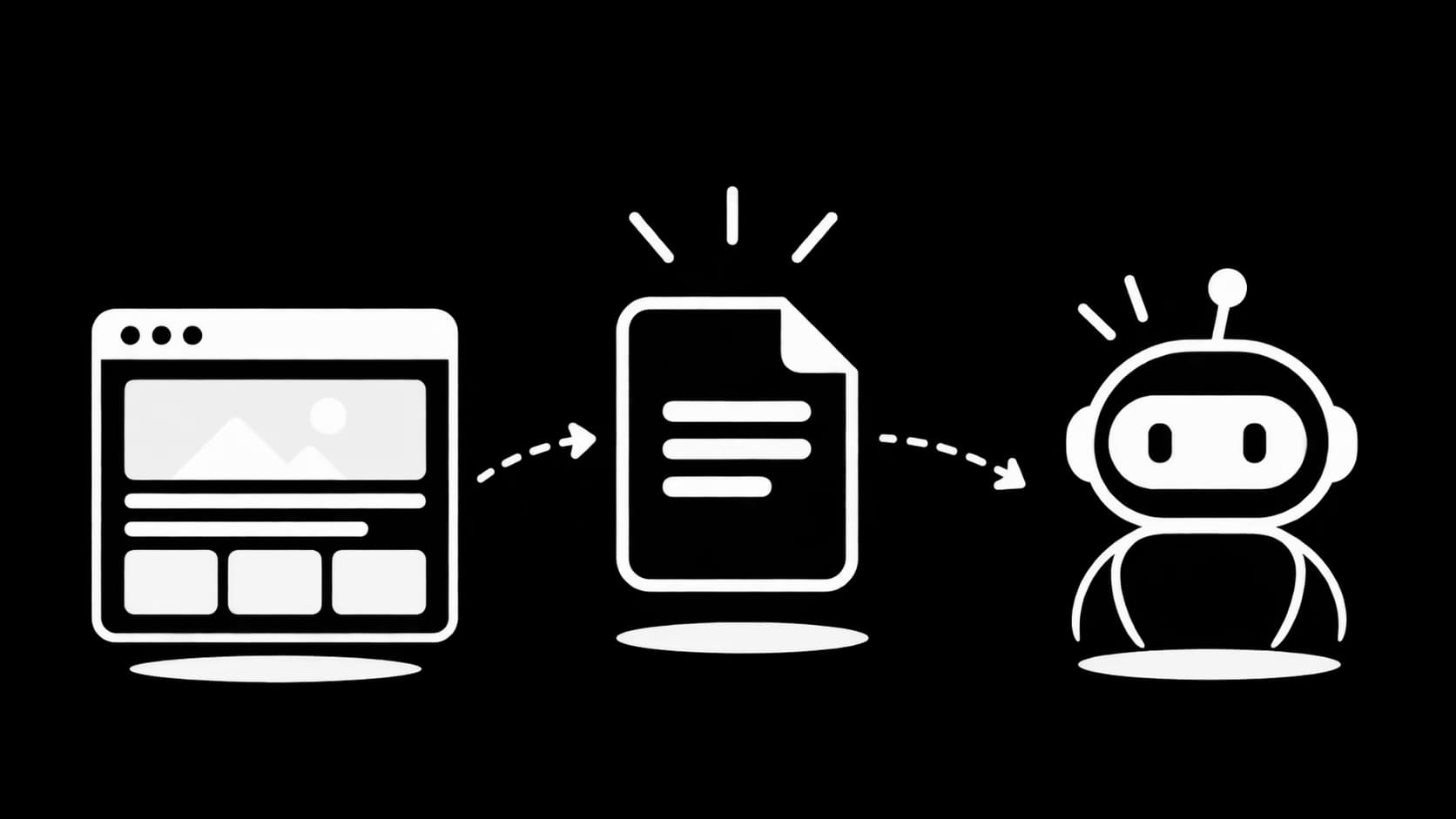
Now for the part that should put a lot of our clients at ease. For some time now we've been building websites almost exclusively with JavaScript, specifically with Next.js and React. There simply is no PHP running on these sites. And where there's no PHP, there's no PHP vulnerability to exploit.

Then there's how these sites are delivered. Much of each site is built in advance and served as ready made files from a globally distributed network of servers. There's no classic web space where a program fires up on every visit, and no admin login at wp-admin for attackers to rattle. That makes the attack surface much smaller from the start.

That's no accident, by the way. Cases like this are one of the reasons we rely on Next.js rather than website builders or classic WordPress installations as our default.

To be honest, though: most doesn't mean all. There are a few older projects and sites we took over that still run on PHP. We're taking care of those right now. If you're a client of ours and aren't sure what technology your site runs on, just ask. We'll check and install the update if it's needed.

How to find out whether your website is affected

If your website wasn't built by us, a quick check is worth it. A few signs that PHP is involved:

  • Your website runs on WordPress, Joomla, Drupal, TYPO3, Contao, Shopware, Magento or WooCommerce
  • You log in to edit it at an address like yourdomain.com/wp-admin or /administrator
  • You have a classic web space or hosting package with a provider like IONOS, Strato or Hetzner where you can pick a PHP version in the settings
  • The addresses of your pages contain .php somewhere
  • Besides the main website there's an old blog, a customer portal or a contact form on a subdomain that someone set up at some point

Many people underestimate that last point. Often the main site has long been rebuilt with modern technology, but a forgotten installation from five years ago is still running somewhere. Corners like that are the most interesting for attackers, because nobody looks after them.

PHP2Shell and WordPress: what WordPress users need to know

WordPress is the best known system that runs on PHP, and by far the most widespread. A large share of all websites worldwide are built on it, especially for small businesses, freelancers and clubs. That's why PHP2Shell hits WordPress sites particularly often, and it's exactly these site owners who are sending us the most questions right now.

It's important to understand that WordPress itself didn't make a mistake here. The flaw is in PHP, the foundation WordPress is built on. But that also means every WordPress website whose server still uses an old PHP version is affected, no matter how well maintained its theme and plugins are.

For WordPress users, that means in practice:

  • Under Tools and then Site Health, WordPress shows you in the Info tab which PHP version your server is running
  • If it shows a version below 8.2.35, 8.3.36, 8.4.27 or 8.5.12, your host or agency needs to act
  • Many older WordPress sites still run on PHP 7.4 or 8.0. A small update isn't enough here; they need to move to a current PHP version
  • After switching, quickly test your most important pages, forms and your shop if you have one, because very old plugins sometimes have trouble with new PHP versions
  • Make a backup before any switch so you can roll back if needed

Many WordPress owners have been putting off the move away from old PHP versions for years, because they're worried something will break afterwards. That worry is understandable. But PHP2Shell is a pretty good reason to tackle it now, and with a bit of experience it's usually done faster than you'd think.

What to do now if your website runs on PHP

The good news: there are already updates that close both flaws. The safe versions are PHP 8.5.12, 8.4.27, 8.3.36 and 8.2.35. Anything below those in each line should be updated as soon as possible. Here's the best way to go about it:

  • Ask your host or agency whether the PHP update has been installed on your server. Installed is what matters, not just scheduled
  • On shared hosting the provider usually takes care of PHP itself. Still check in your control panel which PHP version is set for your domain
  • If your site still runs on PHP 8.1, 8.0, 7.4 or older, plan the move to a current version now. Only limited stopgaps exist for these old versions, and none at all for PHP 5
  • If you run your own server, install your distribution's updated packages and restart PHP afterwards
  • If an update isn't possible right now, take old or unimportant installations offline for the time being rather than leaving them unprotected

One point is causing a lot of confusion, so let's be very clear: updating WordPress or your plugins does not fix PHP2Shell. The problem sits one level deeper, in PHP itself. Of course WordPress and your plugins should still be up to date, but that's a separate job.

According to the security researchers, tweaking individual settings in php.ini isn't a real fix either. It can buy a little time until the update, but it doesn't replace it.

After the update: take a quick look to make sure everything is clean

Because attacks started before many servers were updated, it's worth taking a second look after the update. Especially if your website was unprotected for a few days:

  • Change the passwords for your database, FTP and admin accounts, especially if they're stored in configuration files on the server
  • Renew API keys, for example for payment providers, newsletter tools or email delivery
  • Look for unknown admin accounts in your CMS
  • Watch out for files in your web space you don't recognise, especially recently changed .php files in upload folders
  • Ask your host whether they noticed any suspicious access or processes

That sounds like a lot of work, but for a normal website it's usually done in an hour. And it gives you peace of mind that nobody left a back door that's still open after the update.

We'll help you, even if your website isn't one of ours

We don't want this article to come across as finger wagging. Working with Next.js doesn't make us smarter than anyone else. It's simply a decision that pays off in weeks like this one. WordPress and other PHP systems are perfectly fine for many projects, as long as someone looks after them regularly.

That's exactly where we want to help. Whether your website was built by us, by another agency or by a friend: if you're not sure whether you're affected, or don't know how to get to your PHP settings, just get in touch. For example, we can:

  • quickly check what technology your website runs on and whether PHP2Shell is an issue for you
  • go through your host's control panel with you and switch to the right PHP version
  • install the update on your server and test that everything still works afterwards
  • check after the update whether there are any traces of an attack
  • cleanly shut down outdated installations or move them to a current solution

You don't have to sign or book anything for a first assessment. Just send us your website's address and we'll tell you honestly whether you need to act.

Our take

PHP2Shell is one of the more serious vulnerabilities of recent years, because it affects so many websites at once and is already being exploited. If you run a website built on PHP, don't put off the update, and take a look afterwards to make sure everything is clean.

For most of our clients, on the other hand, this is a quiet week, because there's simply no PHP running on their Next.js sites. And for everyone else: you don't have to sort this out alone. Get in touch and we'll help you check, update and answer any technical questions that come up along the way.

Share article